DESIGN PORTFOLIO
NASA x RISD Suits
2023 - 2024 Ingress & Egress
During the 2023-24 NASA Spacesuit User Interface Technologies for Students (NASA SUITS) competition, I collaborated with Project Manager Michael Wang and Chief Designer Keya Shah to develop the AR-based Ingress & Egress segment.
01
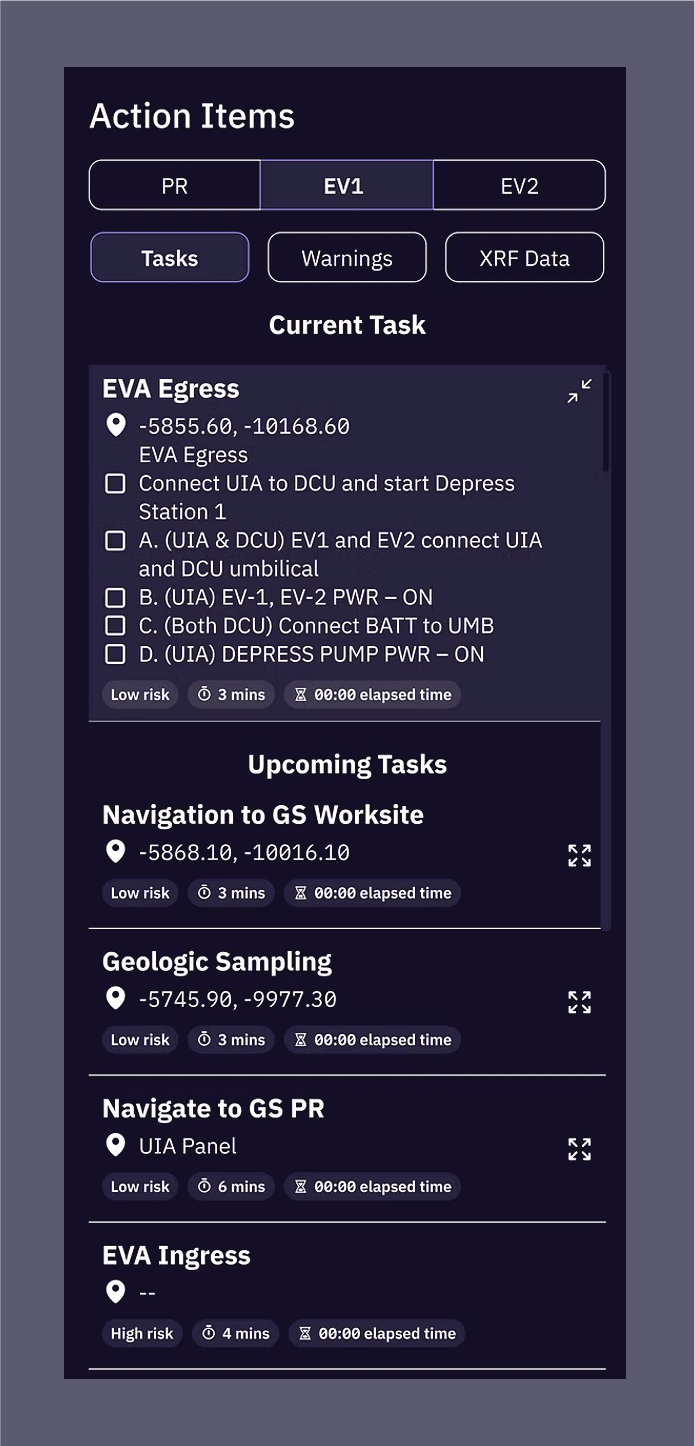
Project DescriptionThe RISD SUITS team proposed and designed a Heads-Up Display (HUD) system using the Magic Leap 2 (ML2) to assist astronauts in completing Martian extravehicular activities (EVA) for future NASA Artemis missions. Our interface prioritizes reducing the astronaut's cognitive load and minimizing the risk of error. We streamlined the system to communicate information clearly and quickly, ensuring critical functions are easily accessible through a minimal and functional UI.
02
EgressEgress (EGS) refers to the procedures the Designated Extravehicular (DE) crew member performs to exit the airlock and begin an EVA. Our AR interface prioritizes task sequencing by providing step-by-step guidance for operations on the Umbilical Interface Assembly (UIA). Visual confirmation for all completed steps ensures the DE has confidence in every action executed, a factor that is particularly vital in mission-critical environments. To maintain focus, the visual area surrounding the UIA panel is dimmed, highlighting the interface and centering the user's attention on the task at hand.
03
A progress tracker is positioned at the top of the DE’s field of view (FOV), allowing the user to view both the tracker and the UIA board simultaneously. Designed as a horizontal timeline, it features bubbles for each EGS task in chronological order, divided into four main sections: UIA Prep, Suit Ingress, Hatch Lock, and Egress (EGS). These sections are further subdivided into specific tasks, with completed tasks indicated by filled bubbles and impending tasks represented by hollow bubbles.
Enabled by a telemetry stream between the UIA panel and the interface, the tracker automatically advances as tasks are performed. To account for potential connection glitches, the user can manually advance to the next task using a "Next" button located to the right of the progress tracker.
04EGS Feature B: Instructions Panel
A horizontal instruction panel, located beneath the progress tracker, sequentially lists the tasks the DE must complete on the UIA panel within each of the four sections described in Feature A. A loading symbol on the right side indicates a task currently in progress, while a green checkmark signifies completion. For specific steps, the panel is supplemented with contextual data to the right, such as a pressure monitoring graph or a button indicating the current position of the locks.
05Warnings
In cases of system functions operating between tasks that do not require user interaction, a status panel is displayed below the instruction panel to inform the DE of ongoing procedures. This transparency boosts situational awareness and builds user confidence throughout the Egress (EGS) sequence. Additionally, this dedicated space serves as a warning system, displaying alerts for incorrectly performed actions or system errors.